You've got a collection of photos—maybe vacation pictures, product images, or scanned documents. You need to share them, but sending individual image files is messy. Someone suggests turning them into a PDF. Is that actually a good idea?
Our JPG to PDF tool makes converting photos to PDF simple and reliable. It handles multiple images, preserves quality, and creates professional PDFs. Sometimes yes, sometimes no. PDFs are great for certain situations, but not all. Let me explain when converting photos to PDF makes sense, and how our tool can help.
When PDF Makes Sense
Sharing Multiple Photos as One Document
If you have 20 vacation photos and want to share them all, a PDF is convenient. Instead of attaching 20 separate files to an email, you attach one PDF. The recipient gets everything in one file, and it's easier to view sequentially.
Use PDF when:
- You have multiple photos to share
- You want them in a specific order
- You want a single file instead of many
- The recipient needs to view them as a collection
Creating a Portfolio or Presentation
Artists, photographers, and designers often create PDF portfolios. A PDF lets you present your work professionally, control the layout, and share it easily.
Use PDF when:
- Creating a professional portfolio
- Making a presentation of your work
- You want to control page layout and order
- You need a single file for sharing
Scanned Documents
If you've scanned documents as images (like receipts, contracts, or forms), converting them to PDF makes sense. PDFs are the standard format for documents, and they're easier to manage than a folder full of image files.
Use PDF when:
- You've scanned documents
- You need a document format (not just images)
- You want to combine multiple scans
- You need to archive documents
Professional Submissions
Many organizations require submissions as PDFs. If you're submitting photos for a competition, application, or publication, they might require PDF format.
Use PDF when:
- Submission requirements specify PDF
- You need a professional document format
- You're submitting to an organization that expects PDFs
Printing Multiple Photos
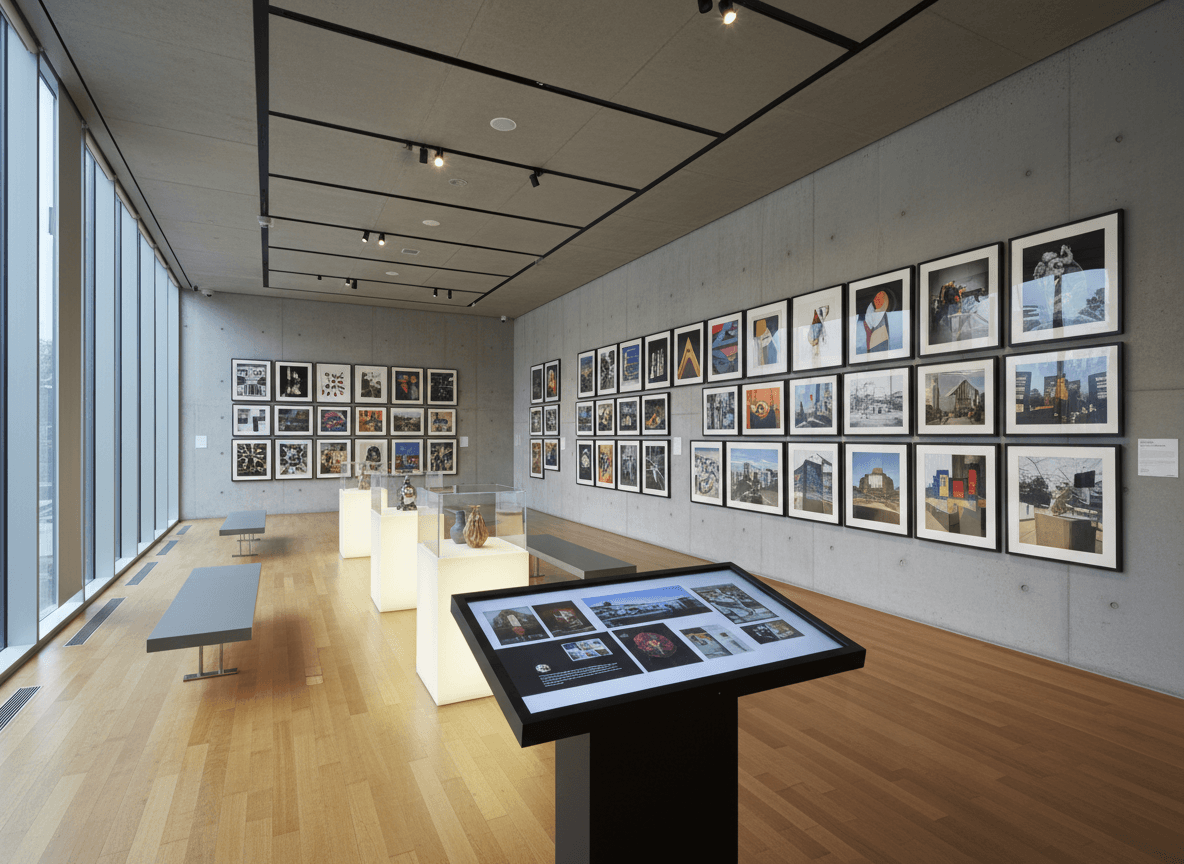
If you want to print multiple photos on standard paper, a PDF makes it easy. You can arrange photos on pages, control sizing, and print everything at once.
Use PDF when:
- You want to print multiple photos
- You need to control layout for printing
- You want photos arranged on standard page sizes
When to Keep Photos as Images
High-Quality Photo Sharing
If photo quality is critical, keep them as images. PDFs can compress images, and while modern PDFs handle images well, original image files preserve maximum quality.
Keep as images when:
- Photo quality is the top priority
- Recipients need original image files
- Photos will be edited or processed further
- You're sharing with photographers or designers who need originals
Social Media or Web Use
For social media, websites, or online galleries, images work better than PDFs. Most platforms expect image files, not PDFs.
Keep as images when:
- Uploading to social media
- Using on websites
- Creating online galleries
- Sharing for web display
Photo Editing
If photos will be edited, keep them as images. PDFs aren't ideal for photo editing—image editing software works with image files.
Keep as images when:
- Photos need editing
- You're working in photo editing software
- You need to process or manipulate images
- You're creating derivative works
Large Collections
If you have hundreds of photos, a single PDF might be unwieldy. Multiple image files are easier to manage, browse, and organize.
Keep as images when:
- You have a large collection (100+ photos)
- You need to browse or search photos
- File size would be too large as PDF
- You need individual file access
The Quality Question
One concern people have is whether PDFs reduce photo quality. Our JPG to PDF tool preserves image quality automatically.
Our tool preserves quality well. Our JPG to PDF tool embeds images at high quality with minimal compression. For most purposes, you won't notice quality loss.
Quality is maintained automatically. Our tool handles compression intelligently, preserving photo quality while keeping file sizes reasonable.
Original images are always best. If maximum quality is critical, keep original images. But for sharing and viewing, our tool's PDF quality is usually excellent.
Best Practices
Here's what I recommend:
For sharing multiple photos: Use our JPG to PDF tool to combine multiple photos into one convenient PDF.
For professional portfolios: Our JPG to PDF tool creates professional PDF portfolios that look polished.
For scanned documents: Our JPG to PDF tool is perfect for converting scanned documents to PDF format.
For high-quality photo work: Keep originals as images, but our tool creates high-quality PDFs for sharing.
For printing: Our JPG to PDF tool makes it easy to arrange and print multiple photos.
For editing: Keep as images—PDFs aren't for editing. But when you're ready to share, use our tool.
Choosing the Right Format
After working with hundreds of photo collections, I've learned that the format choice comes down to purpose. If you're sharing multiple photos as one document, creating a portfolio, or handling scanned documents, our JPG to PDF tool is the right choice. It's convenient, professional, and works well for these situations.
But if you need maximum quality, plan to edit the photos, or you're using them for web or social media, keep them as images. PDFs aren't for editing, and most platforms expect image files, not PDFs.
The real question isn't "which is better"—it's "what do I need this for?" For sharing and documents, our JPG to PDF tool works great. It handles multiple images, preserves quality, and creates professional PDFs. For editing and web use, images are better. Most of the time, when people ask about converting photos to PDF, they're sharing or creating a document, and our tool is perfect for that.
Ready to convert your photos to PDF? Try our JPG to PDF tool now and see how easy it is to create professional PDFs from your images.