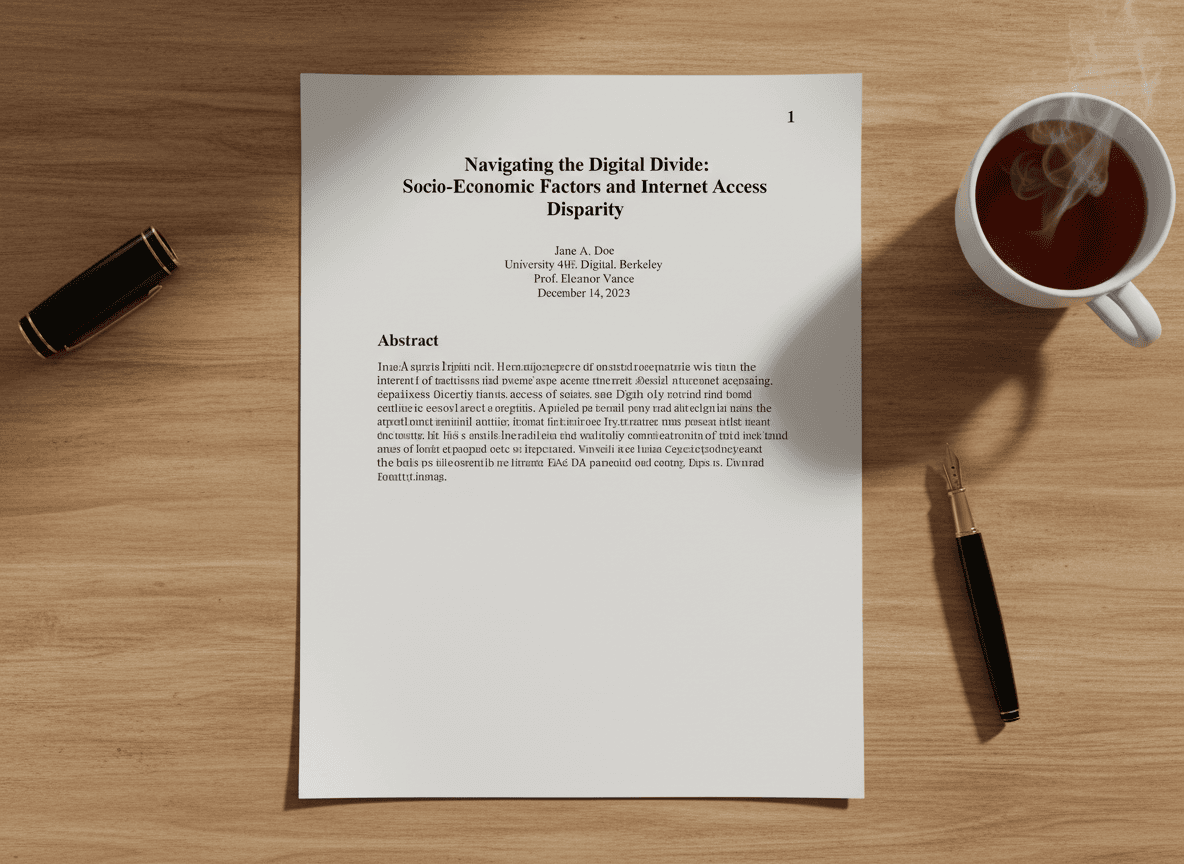
I was formatting a business proposal last week and wasn't sure whether to use "Page 1, Page 2" or "Page 1 of 15, Page 2 of 15." I used our Page Numbers tool to try different formats and chose the one that worked best. That experience reminded me that page number formats aren't arbitrary—they serve different purposes and communicate different information.
Different page number formats serve different purposes. Our Page Numbers tool supports all formats. Arabic numerals (1, 2, 3), Roman numerals (i, ii, iii), and "Page X of Y" formats each have their place. Choosing the right format makes your document more professional and appropriate for its purpose. Understanding when to use each helps you create documents that meet expectations.
Arabic Numerals: The Standard Choice
Arabic numerals are the most common format for page numbering. They're simple, clear, and universally understood. Most business documents, reports, proposals, and general documents use Arabic numerals. They're the default choice because they're straightforward and don't distract from content.
This format works well for documents where page count isn't critical information. Readers can see they're on page 5, but they don't necessarily need to know there are 47 total pages. It's clean and unobtrusive, which makes it suitable for most professional documents.
Arabic numerals are also the easiest to work with technically. Most PDF tools default to this format, and it requires minimal configuration. If you're not sure which format to use, Arabic numerals are a safe, professional choice.
Roman Numerals: For Formal Front Matter
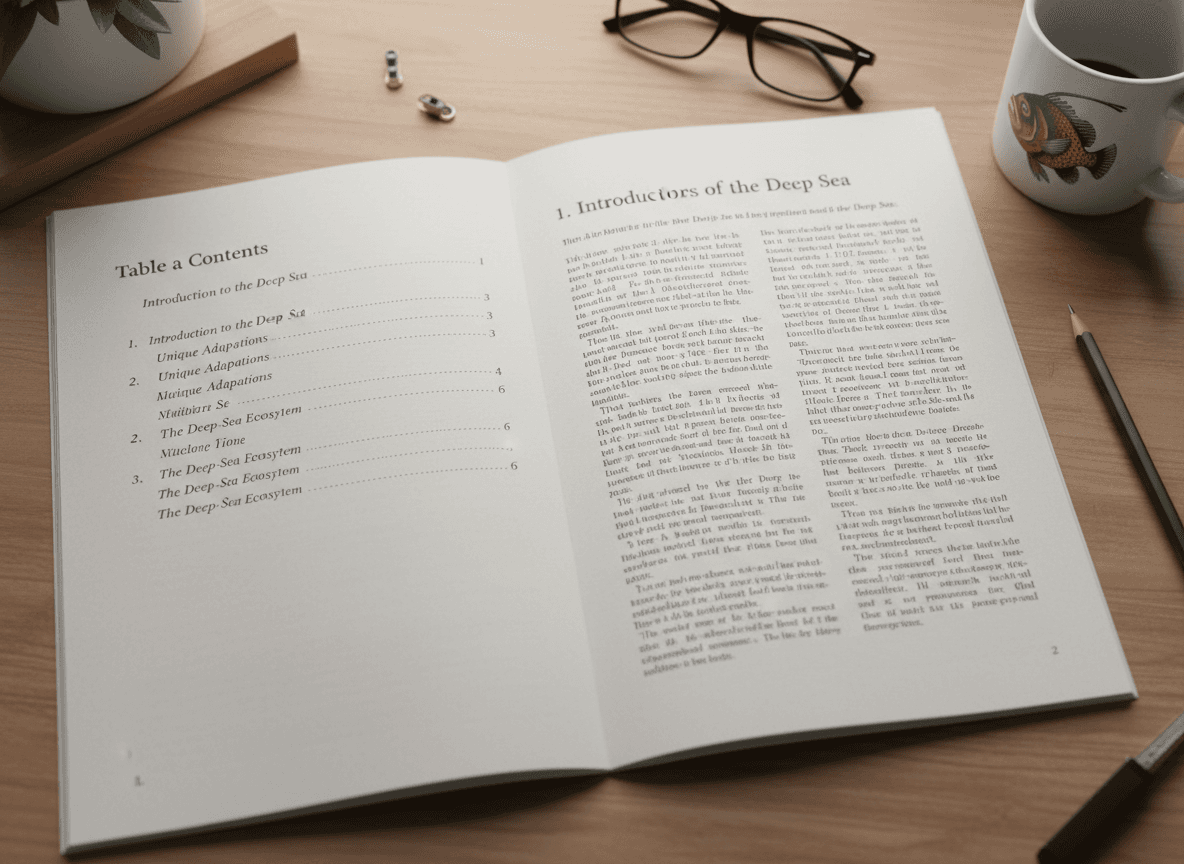
Roman numerals are traditionally used for front matter in formal documents. Prefaces, tables of contents, introductions, and other preliminary sections often use Roman numerals (i, ii, iii) while the main content uses Arabic numerals starting at 1. This creates a clear distinction between introductory material and main content.
Academic papers frequently use this pattern. The title page, abstract, table of contents, and other front matter get Roman numerals, then the main paper starts with Arabic numeral 1. This follows academic conventions and helps readers distinguish between preliminary and primary content.
Formal reports and books also use this approach. It's a traditional publishing convention that signals formality and structure. If you're creating a document that needs to feel formal or academic, consider using Roman numerals for front matter.
The challenge with Roman numerals is that they're less familiar to modern readers. Not everyone can quickly read Roman numerals, especially larger numbers. For very long front matter sections, this can be a consideration. But for typical documents with a few pages of front matter, it works well.
"Page X of Y": When Total Count Matters
The "Page X of Y" format shows both the current page and total page count. This is useful when readers need to know how much content remains. Presentations, handouts, proposals where page count is a constraint, and documents where progress matters benefit from this format.
This format helps readers understand their position in the document. If someone is on "Page 3 of 10," they know they're 30% through and have 7 more pages. This context can be valuable for time management or understanding document scope.
Some organizations prefer this format for all documents because it provides complete information. Readers always know where they are and how much remains. This can be especially useful for documents that will be printed, where knowing total pages helps with organization.
The downside is that this format takes more space and can be visually heavier. "Page 1 of 47" is longer than just "1," which might matter for documents with tight layouts. But for most documents, the extra information is worth the space.
Custom Formats: Specialized Needs
Some documents use custom numbering schemes. Legal documents might use section-based numbering. Technical manuals might use chapter-page formats. These specialized formats serve specific purposes and follow industry conventions.
Custom formats require more setup and might not be supported by all PDF tools. But when your document type has established numbering conventions, following those conventions is important. Legal, technical, and academic documents often have specific requirements.
If you're using a custom format, make sure it's clear to readers. Unusual numbering can confuse people if it's not explained or doesn't follow obvious patterns. Standard formats are usually better unless you have a specific reason for customization.
Making the Right Choice
Consider your document type and audience. Business documents typically use Arabic numerals. Academic papers often use Roman numerals for front matter. Presentations might use "Page X of Y." Match your format to what's expected for your document type.
Think about what information readers need. Do they need to know total page count? Use "Page X of Y." Is the document formal or academic? Consider Roman numerals for front matter. Is it a simple business document? Arabic numerals are probably best.
Consistency matters more than the specific format. Using the same format throughout a document (or section) is more important than choosing the "perfect" format. Inconsistent numbering looks unprofessional regardless of which formats you use.
The format you choose communicates something about your document. Arabic numerals suggest straightforward, practical documents. Roman numerals suggest formality and tradition. "Page X of Y" suggests consideration for reader context. Choose the format that matches what you want to communicate.
Page number formats are a small detail, but they contribute to your document's overall impression. Our Page Numbers tool makes choosing and applying the right format easy. Choose formats that match your document type, serve your readers' needs, and maintain consistency. The right format enhances professionalism and usability.
Ready to add the right page number format? Try our Page Numbers tool now and see how easy it is to choose and apply the perfect format for your document.