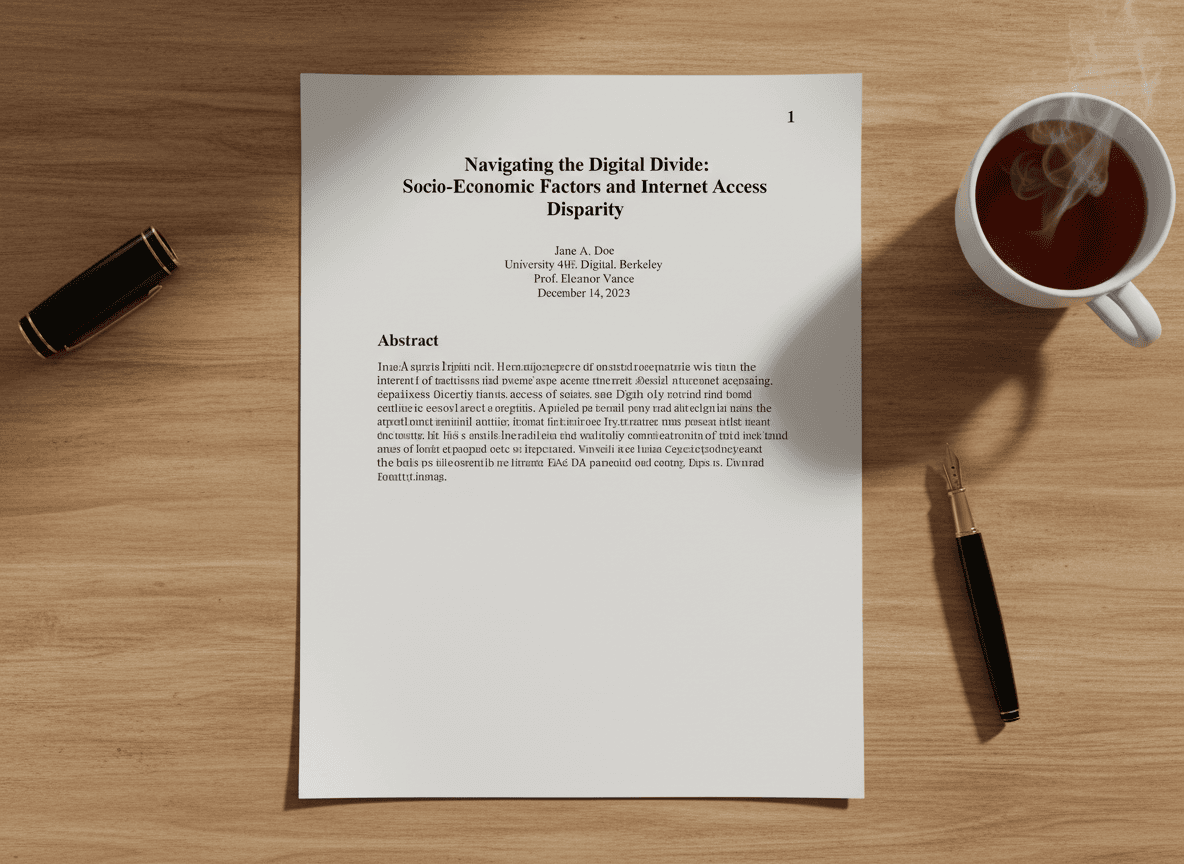
I was reviewing a 150-page legal document last month, and every time someone referenced "that section on page 47," I had to scroll through the entire document trying to find it. The document had no page numbers, making navigation a nightmare. I used our Page Numbers tool to add them, and it made a huge difference. That experience reminded me why page numbers aren't optional for long documents—they're essential.
Long PDFs without page numbers are frustrating to use. Our Page Numbers tool makes adding them simple. Trying to reference specific content, share page locations, or navigate becomes difficult. Page numbers transform documents from frustrating to functional. They're a small detail that makes a huge difference in usability.
The Navigation Problem
Without page numbers, finding specific content is guesswork. Someone says "check page 23," but you can't tell which page is 23. You have to scroll, estimate, or count pages manually. This wastes time and creates frustration. Page numbers solve this by giving every page a clear identifier.
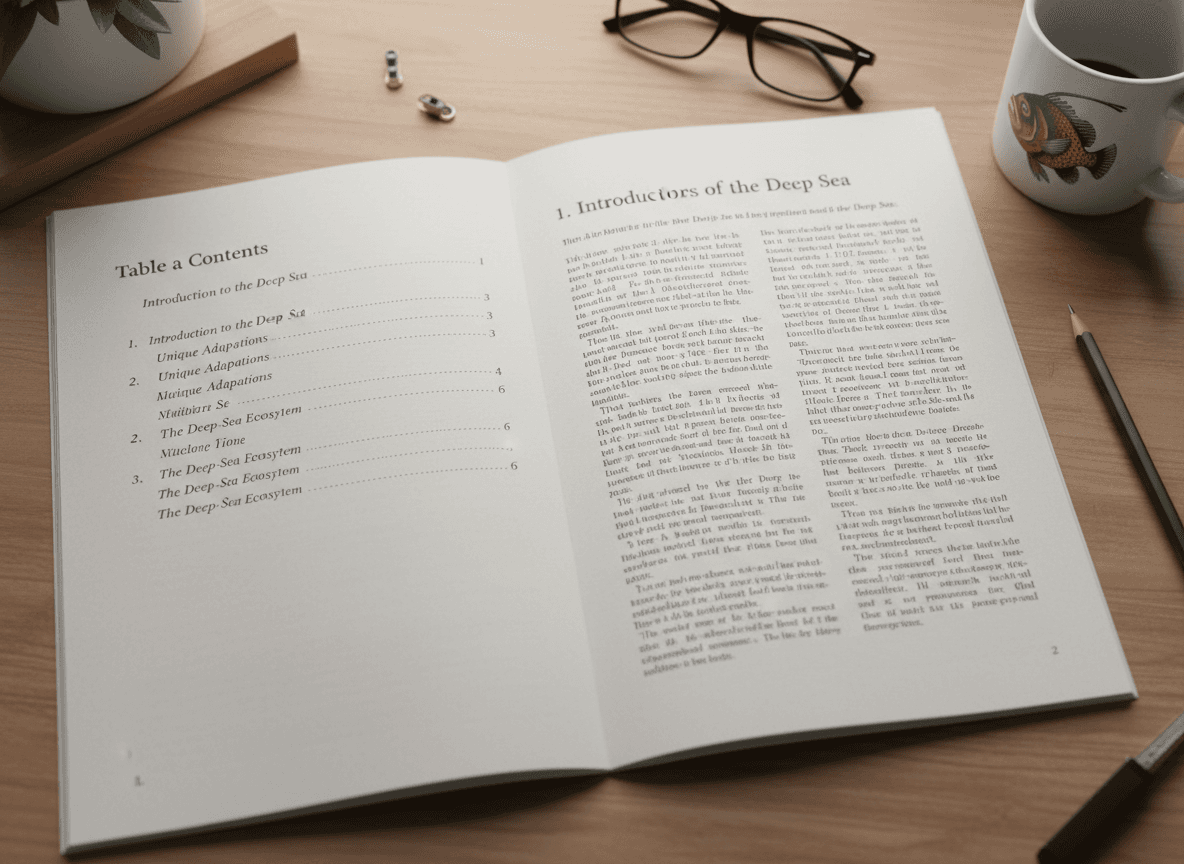
Navigation becomes intuitive with page numbers. Readers can jump to specific pages, understand their position in the document, and move efficiently through content. The document's table of contents or index becomes useful because page references actually work.
Printing becomes manageable. When you print a long document, page numbers help you organize the printed pages. If pages get mixed up, you can sort them. If you need to reference specific printed pages, the numbers make it possible.
Collaboration improves dramatically. When multiple people discuss a document, page numbers enable precise references. "The chart on page 42" is clear and unambiguous. Without page numbers, people resort to descriptions like "the third chart in the middle section," which is vague and error-prone.
Professional Standards
Numbered pages look professional. Documents without page numbers look incomplete or hastily prepared. For business, legal, or academic documents, page numbers are expected. Their absence suggests carelessness or lack of attention to detail.
Many document standards require page numbers. Academic papers, legal briefs, business reports, and official documents typically include page numbers as a matter of standard practice. Omitting them makes documents look unprofessional.
Consistency matters. Once you add page numbers, they should be consistent throughout the document. Same format, same position, same style. Inconsistent numbering looks sloppy and undermines the professional appearance.
How Page Numbering Works
Most PDF tools include page numbering features. The process is straightforward: select where numbers should appear (header, footer, or corners), choose a format (Arabic numerals, Roman numerals, etc.), set the starting number, and apply to all pages or specific ranges.
Position choices affect visibility and aesthetics. Headers and footers are common choices because they're visible but don't interfere with content. Corner placement works for some designs. The key is choosing a position that's visible without being distracting.
Format selection depends on document type. Arabic numerals (1, 2, 3) are standard for most documents. Roman numerals (i, ii, iii) are sometimes used for front matter like prefaces or tables of contents. Some documents use "Page X of Y" format to show total page count.
Starting number matters for documents with front matter. A cover page might not be numbered, so numbering starts on page 2. Some documents use Roman numerals for front matter and switch to Arabic for main content. Understanding your document's structure helps you set numbering appropriately.
Best Practices
Consistency is crucial. Use the same format, position, and style throughout the document. Changing formats mid-document looks unprofessional and confuses readers. Decide on your numbering approach before you start and stick with it.
Appropriate positioning balances visibility with aesthetics. Numbers should be easy to find but not intrusive. Headers and footers are safe choices that work for most documents. Consider your document's design when choosing position.
Starting from the right page prevents confusion. If your document has a cover page that shouldn't be numbered, start numbering from page 2. Some documents have multiple unnumbered pages at the beginning—make sure numbering starts where content begins.
Professional appearance means numbers should match document style. Font, size, and color should complement the document design. Numbers shouldn't stand out dramatically—they should be visible but integrated into the design.
The Impact on Usability
Page numbers transform document usability. What was frustrating becomes functional. Navigation becomes easy, references become precise, and collaboration becomes efficient. The time invested in adding page numbers pays off every time someone uses the document.
For long documents especially, page numbers are essential. Documents over 20 pages become difficult to navigate without them. Documents over 50 pages become nearly unusable. The longer the document, the more critical page numbers become.
The small effort of adding page numbers creates significant value. It takes minutes to add page numbers but saves hours of frustration for everyone who uses the document. This is one of those details that separates professional documents from amateur ones.
Page numbers are a fundamental document feature that shouldn't be overlooked. Our Page Numbers tool makes adding them easy. They're expected by readers, and essential for usability. For any document longer than a few pages, page numbers should be standard. They're a small detail that makes a big difference in how professional and usable your documents appear.
Ready to add page numbers to your PDF? Try our Page Numbers tool now and see how easy it is to make your documents more professional and usable.