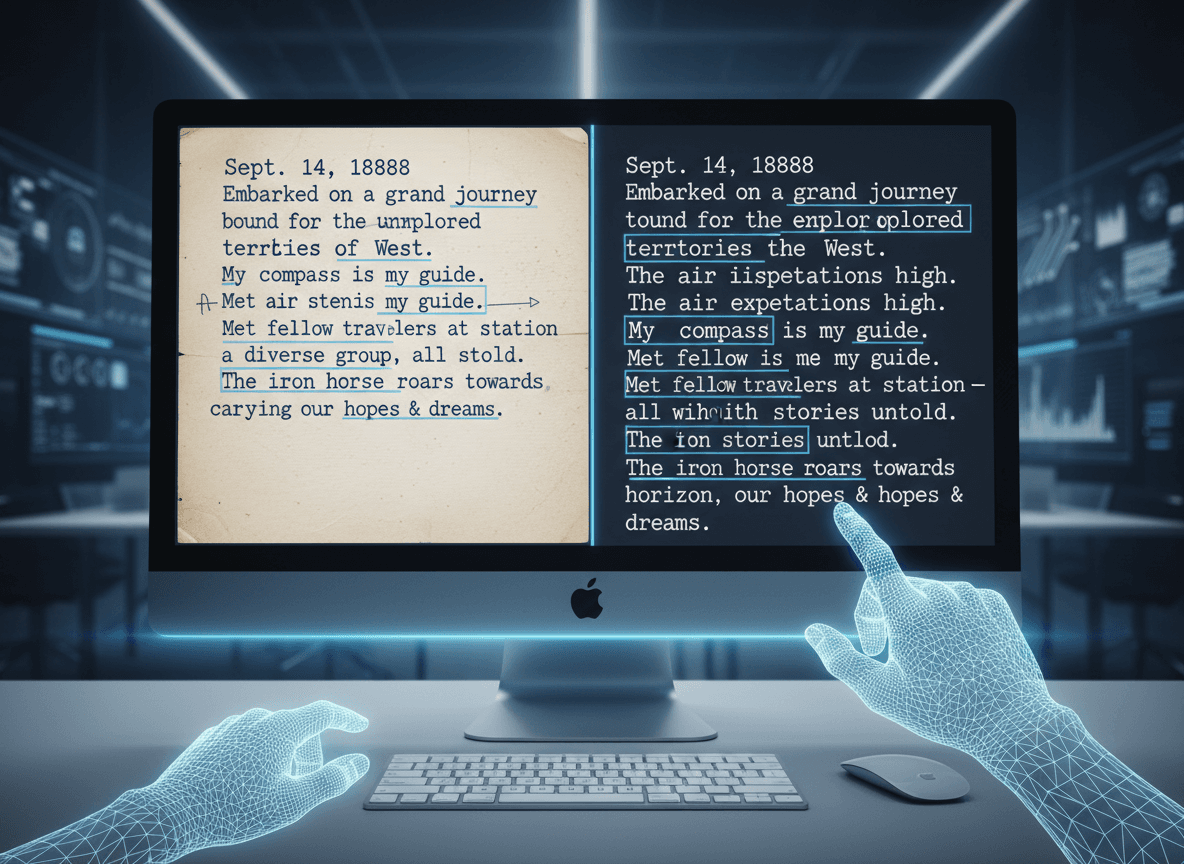
I tried to OCR my grandmother's handwritten recipe cards last year. The software confidently told me one card said "Add 2 cups of flaur and mix well." It was supposed to say "flour," but the handwriting was too stylized for the OCR to handle. I tried our OCR PDF tool, and while handwriting is still challenging, it handled the printed text portions well. That experience taught me that handwriting OCR is a completely different challenge than printed text OCR.
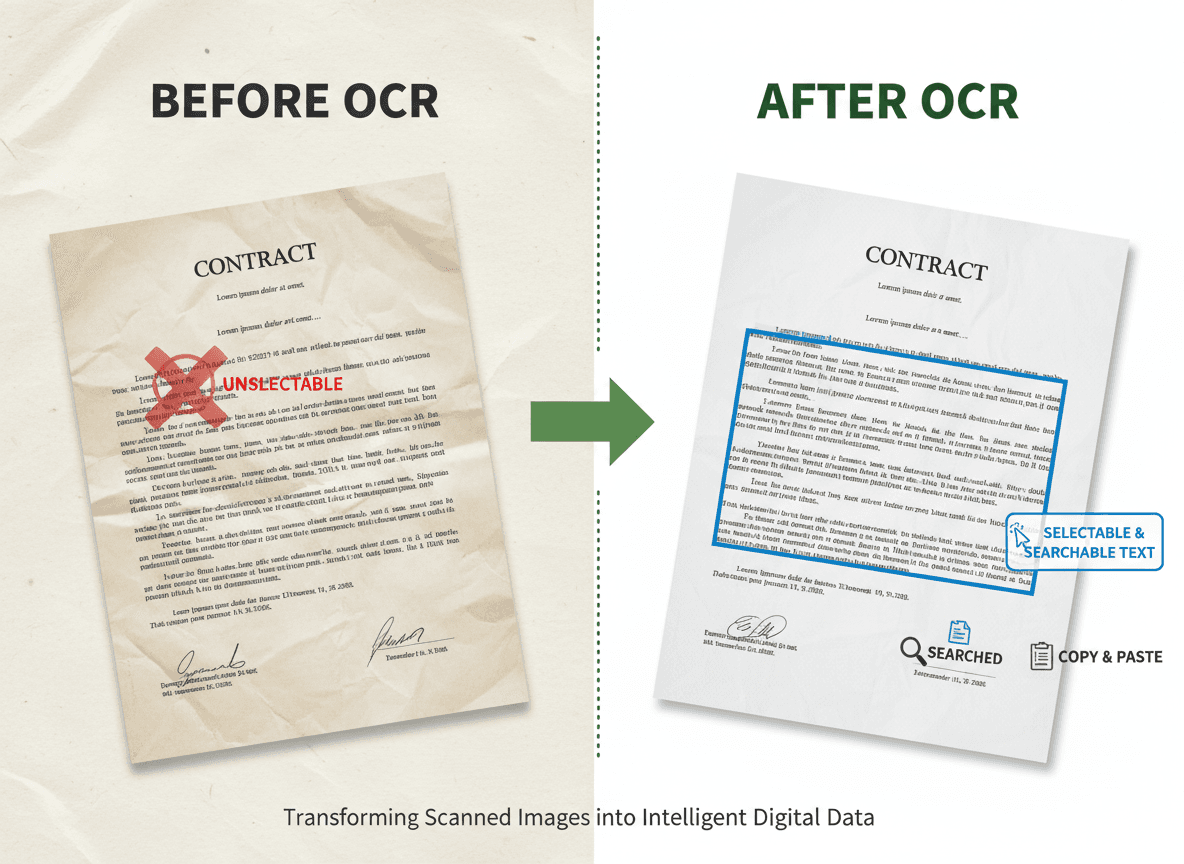
Standard OCR software is designed for printed text—consistent fonts, clear characters, predictable patterns. Our OCR PDF tool works best with printed text. Handwriting introduces variability that breaks those assumptions. Every person writes differently, and even the same person's handwriting varies from day to day. This makes handwriting recognition much harder.
Why Handwriting Is So Difficult
The fundamental challenge is variability. Printed text uses standardized characters that look the same every time. The letter "a" in Times New Roman always looks the same. But handwritten "a"s vary dramatically between people and even within the same person's writing. This variability confuses OCR algorithms trained on consistent patterns.
Cursive writing compounds the problem. Letters connect in ways that make individual characters hard to identify. An OCR system might see a connected "th" as a single character or misidentify the connections between letters. Cursive requires understanding letter relationships, not just individual character recognition.
Inconsistency within the same document creates issues. Someone might write clearly at the beginning of a page but get sloppier toward the end. Or they might switch between printing and cursive. This inconsistency makes it hard for OCR software to adapt, since it's trying to learn patterns from the document itself.
Context becomes crucial with handwriting. Printed text can often be recognized character by character, but handwriting often requires understanding words or phrases to correctly identify individual letters. A poorly written letter might be ambiguous on its own but clear when seen as part of a word.
What Actually Works
Clear, printed-style handwriting has the best results. When people write in block letters, keeping characters separate and consistent, OCR can work reasonably well. The key is consistency—if someone maintains the same style throughout, the software can learn their patterns.
High-quality scans are essential. Handwriting needs more resolution than printed text because the variations are subtler. A 300 DPI scan might work for printed text, but handwriting often needs 400 DPI or higher to capture enough detail for accurate recognition. The scan quality directly impacts what's possible.
Simple, common words work better than complex vocabulary. OCR software has word databases that help it recognize common words even when individual letters are ambiguous. If you're writing "the" or "and," the software can use context to identify letters. Uncommon words or technical terms are harder because there's less context to rely on.
Consistent handwriting style throughout a document helps. If someone maintains the same letter formations, spacing, and size, the software can learn those patterns and apply them across the document. Mixed styles or varying quality makes recognition much harder.
What Doesn't Work Well
Cursive handwriting is particularly challenging. The connected letters create ambiguity that's hard for OCR to resolve. Even advanced handwriting recognition systems struggle with cursive, and results are often poor. If you need to OCR cursive documents, expect significant manual correction work.
Poor-quality handwriting is problematic. Sloppy writing, very small text, or heavily stylized lettering confuses OCR software. The software needs clear character boundaries and recognizable shapes. If handwriting is too messy or artistic, recognition accuracy drops dramatically.
Mixed printing and cursive creates problems. Documents that switch between styles confuse OCR systems that are trying to learn consistent patterns. The software might work well on the printed sections but fail on cursive parts, or it might try to apply the wrong recognition approach to each section.
Old or faded handwriting is difficult. Historical documents with faded ink, yellowed paper, or damage create additional challenges beyond just handwriting recognition. The OCR software has to deal with poor image quality on top of handwriting variability.
Specialized Tools and Approaches
Some OCR tools are specifically designed for handwriting. These tools use different algorithms than standard OCR, often incorporating machine learning trained on handwriting samples. They're more expensive and slower, but they can achieve better results for handwritten documents.
Training the software can help. Some advanced OCR tools let you train them on specific handwriting styles. You provide examples of correctly recognized text, and the software learns those patterns. This works well if you have many documents in the same handwriting style.
Manual correction is often necessary. Even the best handwriting OCR makes mistakes, and you'll need to review and correct results. Some tools make this easier by highlighting uncertain recognitions or providing alternative suggestions for ambiguous characters.
For important documents, consider professional services. Companies that specialize in document digitization often have better tools and human reviewers who can correct OCR errors. The cost might be worth it for valuable historical documents or important business records.
Setting Realistic Expectations
Handwriting OCR accuracy is much lower than printed text OCR. While printed text might achieve 95%+ accuracy, handwriting might only reach 60-80% accuracy, and cursive could be even lower. You need to plan for significant correction work.
The time investment is substantial. Handwriting OCR takes longer to process, and you'll spend more time reviewing and correcting results. Factor this into your project timeline. What might take an hour for printed text could take several hours for handwriting.
Some documents might not be worth OCRing. If handwriting is extremely poor quality or the document is very short, manual transcription might be faster and more accurate. Evaluate each document individually rather than assuming OCR is always the best approach.
The technology is improving, but it's not there yet. Handwriting recognition is an active area of research, and tools are getting better. But we're still far from the accuracy levels achieved with printed text. For now, handwriting OCR requires patience and realistic expectations.
Handwriting OCR is possible, but it's a different process than printed text OCR. Our OCR PDF tool works best with printed text. It requires better source material, specialized tools, more processing time, and significant manual correction. For documents where it's worth the effort, the results can be valuable. But understand the limitations and plan accordingly.
Ready to OCR your documents? Try our OCR PDF tool now and see how it handles printed text with high accuracy.