I send presentations to clients regularly, and I always convert them to PDF first using our PowerPoint to PDF tool. Last month, a client tried to open a PowerPoint file on their Mac, but they had an older version that couldn't open it. That's exactly why I convert to PDF—it works everywhere, every time.
Converting PowerPoint presentations to PDF is extremely common. Our PowerPoint to PDF tool makes this easy. PowerPoint is perfect for creating and editing, but PDFs are better for sharing, archiving, and ensuring consistent display. Understanding why everyone converts presentations to PDF helps you make informed decisions about when and how to convert.
Why PDFs Are Preferred for Sharing
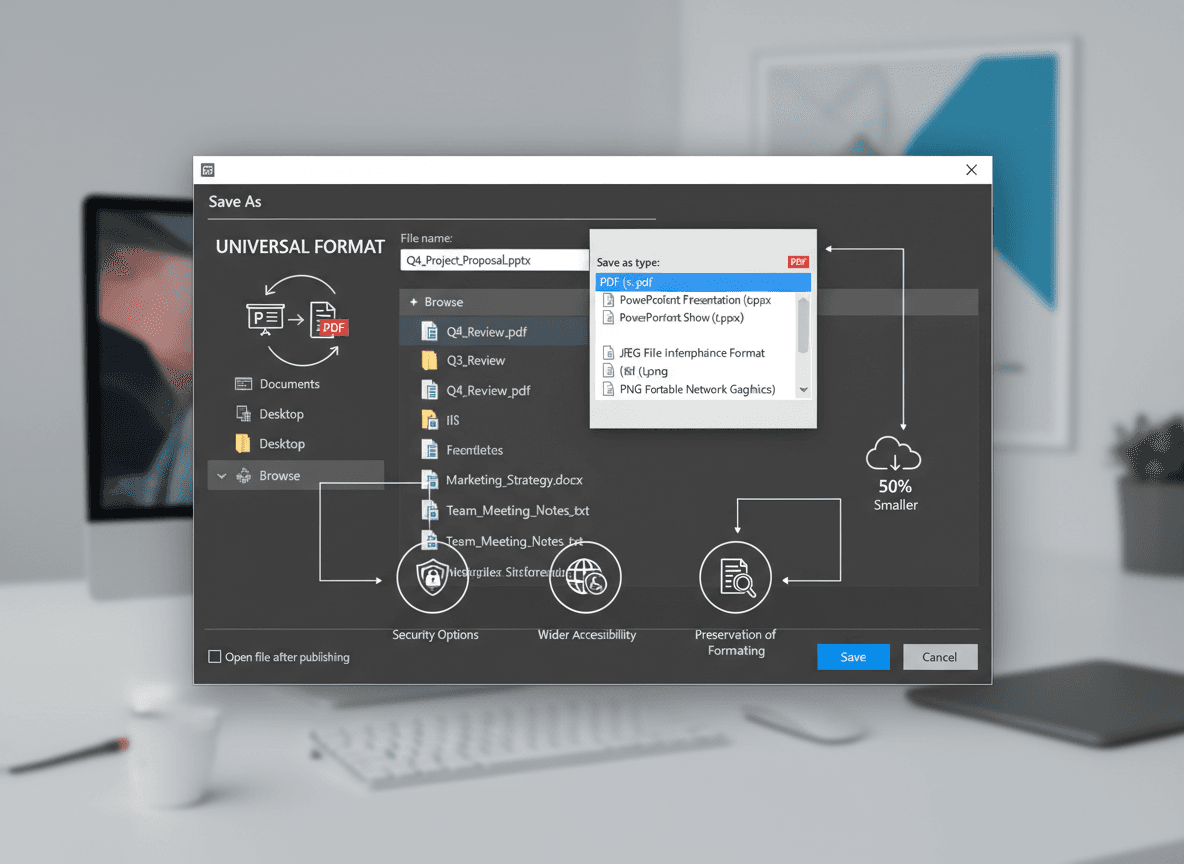
Universal compatibility eliminates software barriers. PDFs work on any device, any operating system, without requiring specific software. Recipients don't need PowerPoint installed—they can view PDFs with any PDF viewer, which is available on virtually every device. This universal access makes PDFs ideal for sharing with diverse audiences.
Consistent display ensures everyone sees the same thing. PDFs look the same everywhere, regardless of software, operating system, or device. PowerPoint files might display differently depending on installed fonts, software versions, or system settings. PDFs eliminate these variables, ensuring consistent appearance.
Better sharing comes from universal format support. PDFs are easier to share because recipients don't need PowerPoint. You can email PDFs, upload them to websites, or share them through cloud services without worrying about compatibility. This simplicity makes PDFs the preferred format for distribution.
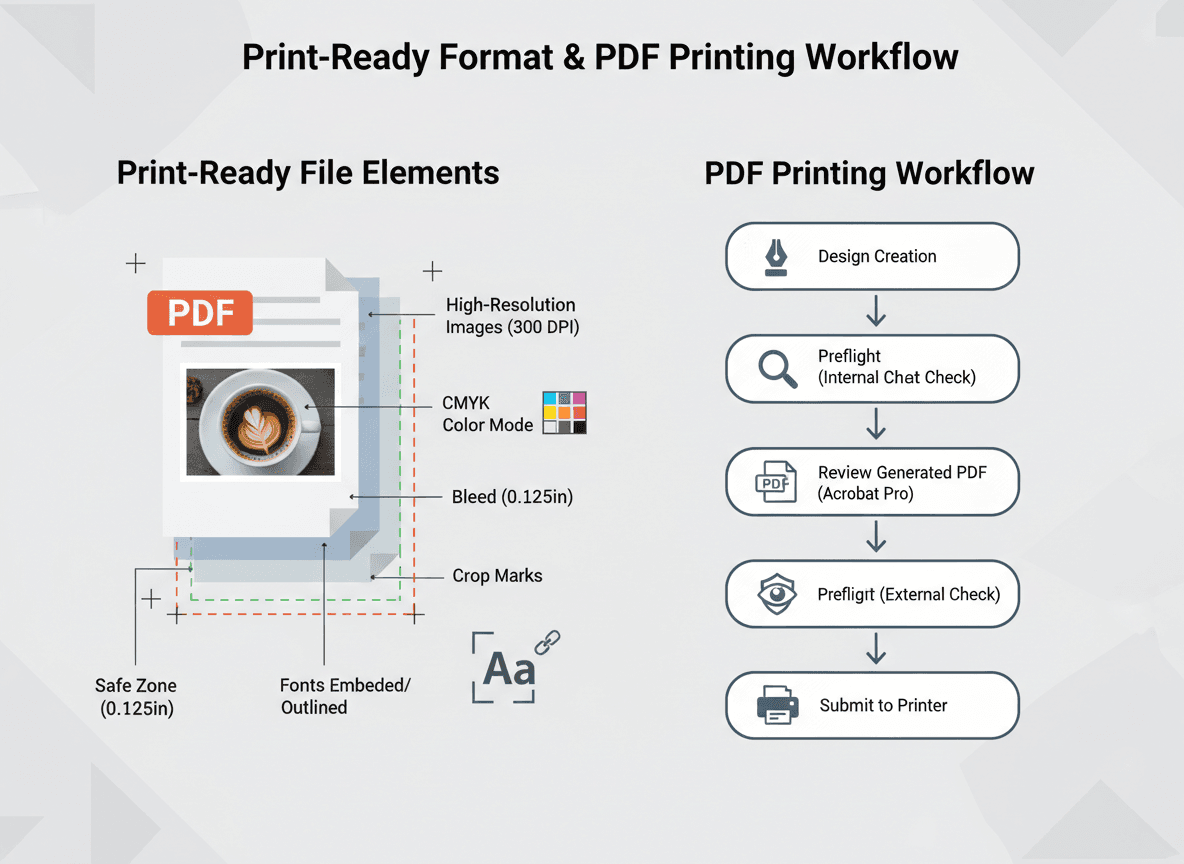
Printing reliability is crucial for presentations. PDFs print more reliably than PowerPoint files. PowerPoint printing can have issues with fonts, layouts, or page breaks, especially across different printers. PDFs print consistently because they're designed as a print-ready format.
Archival benefits make PDFs better for long-term storage. PDFs are better for long-term storage because the format is stable and well-documented. PowerPoint file formats change over time, potentially making old files unreadable. PDFs remain readable for decades, making them ideal for archival purposes.
Security features protect sensitive content. PDFs can be password-protected and have editing restrictions. This is important for presentations containing confidential information. You can control who can view, print, or modify the document, which isn't possible with PowerPoint files.
When Conversion Makes Sense
Convert for sharing when recipients might not have PowerPoint. If you're sharing with people who might not have PowerPoint installed, or who might have different versions, PDF ensures they can view your presentation. This is especially important for external clients, partners, or public distribution.
Convert for printing when reliable output matters. If your presentation will be printed, PDFs produce more consistent results. PowerPoint printing can vary depending on printer, software version, or system settings. PDFs eliminate these variables and ensure reliable printing.
Convert for archiving when storing presentations long-term. If you need to store presentations for compliance, historical reference, or documentation purposes, PDFs are more reliable. The format is stable and likely to remain readable for years or decades, unlike PowerPoint files which depend on software availability.
Convert for distribution when sharing with many people. When distributing to large audiences, PDFs ensure everyone can access the content regardless of their software. This is important for public presentations, educational materials, or business communications where you can't control recipients' software.
Convert for consistency when appearance matters. If you need guaranteed consistent appearance across all viewers, PDFs provide that assurance. PowerPoint files might look different on different systems, but PDFs maintain exact appearance. This is crucial for brand presentations or professional materials.
Best Practices for Conversion
Use our PowerPoint to PDF tool for reliable conversion. Our tool preserves formatting, handles fonts correctly, and maintains layout. This is a reliable conversion method that works in your browser.
Check results after conversion to verify quality. Always verify the PDF looks correct—fonts preserved, layouts intact, images clear. Don't assume conversion worked perfectly. Open the PDF, review all slides, and ensure everything appears as intended. Quality checking prevents distribution of problematic files.
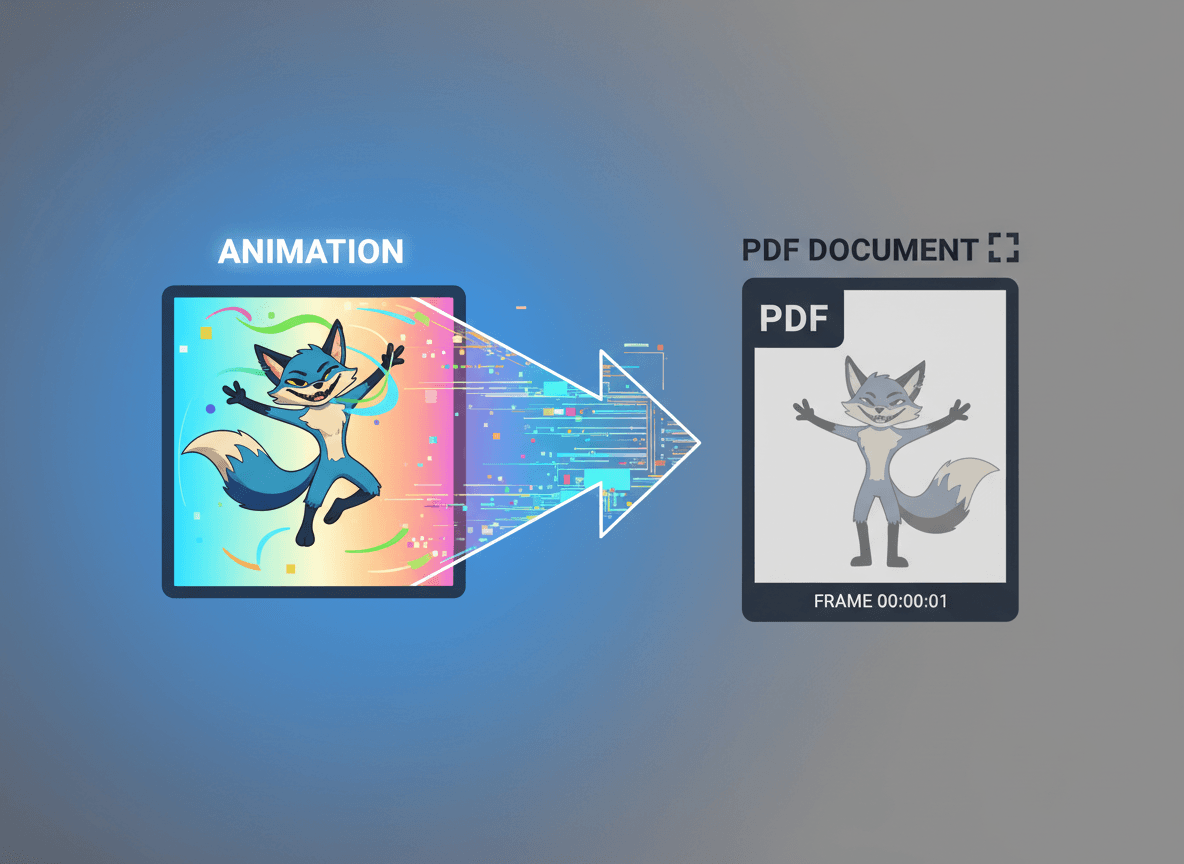
Consider that animations are lost in PDF conversion. PowerPoint animations and transitions don't convert to PDF. If your presentation relies heavily on animations, you might need to create a video version instead, or accept that the PDF will be static. Plan accordingly if animations are important.
Test printing if printing is important. If your presentation will be printed, test print a sample page to verify appearance. Check that fonts print correctly, colors appear as intended, and layouts work on paper. Testing prevents printing problems when it matters most.
The Conversion Process
Converting is straightforward with our PowerPoint to PDF tool. You can upload your PowerPoint file, and our tool handles the conversion. You can choose to convert all slides, and our tool preserves formatting and quality. The process is simple and usually produces good results.
After converting, review the PDF thoroughly. Open it, scroll through all slides, check formatting, verify fonts, and ensure completeness. Catching issues early makes fixes easier. Don't distribute the PDF until you've verified it looks correct.
Consider your audience when converting. If recipients need to edit the presentation, send the PowerPoint file. If they just need to view it, PDF is better. Understanding your audience's needs helps you choose the right format.
Converting PowerPoint presentations to PDF is a standard practice because PDFs offer universal compatibility, consistent display, and better sharing. Use PowerPoint's built-in conversion, check results thoroughly, and remember that animations are lost. With proper conversion, your presentations become more accessible and reliable for sharing.
PDFs make presentations more accessible and reliable for sharing. Our PowerPoint to PDF tool makes this conversion simple. I've seen people struggle with presentation compatibility issues, and converting to PDF solves most of those problems. It's a simple step that makes sharing much easier and ensures your presentations reach their audience effectively.
Ready to convert your PowerPoint to PDF? Try our PowerPoint to PDF tool now and see how easy it is to create shareable PDFs from your presentations.