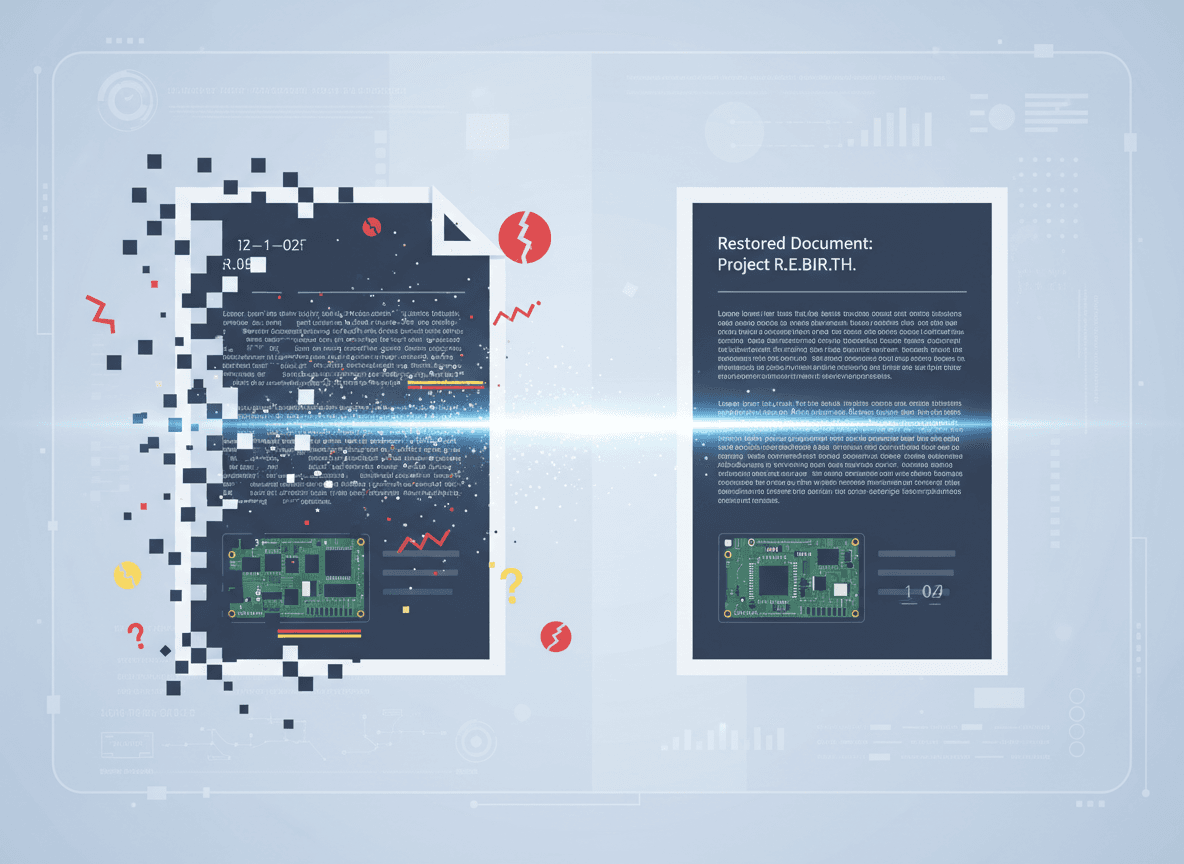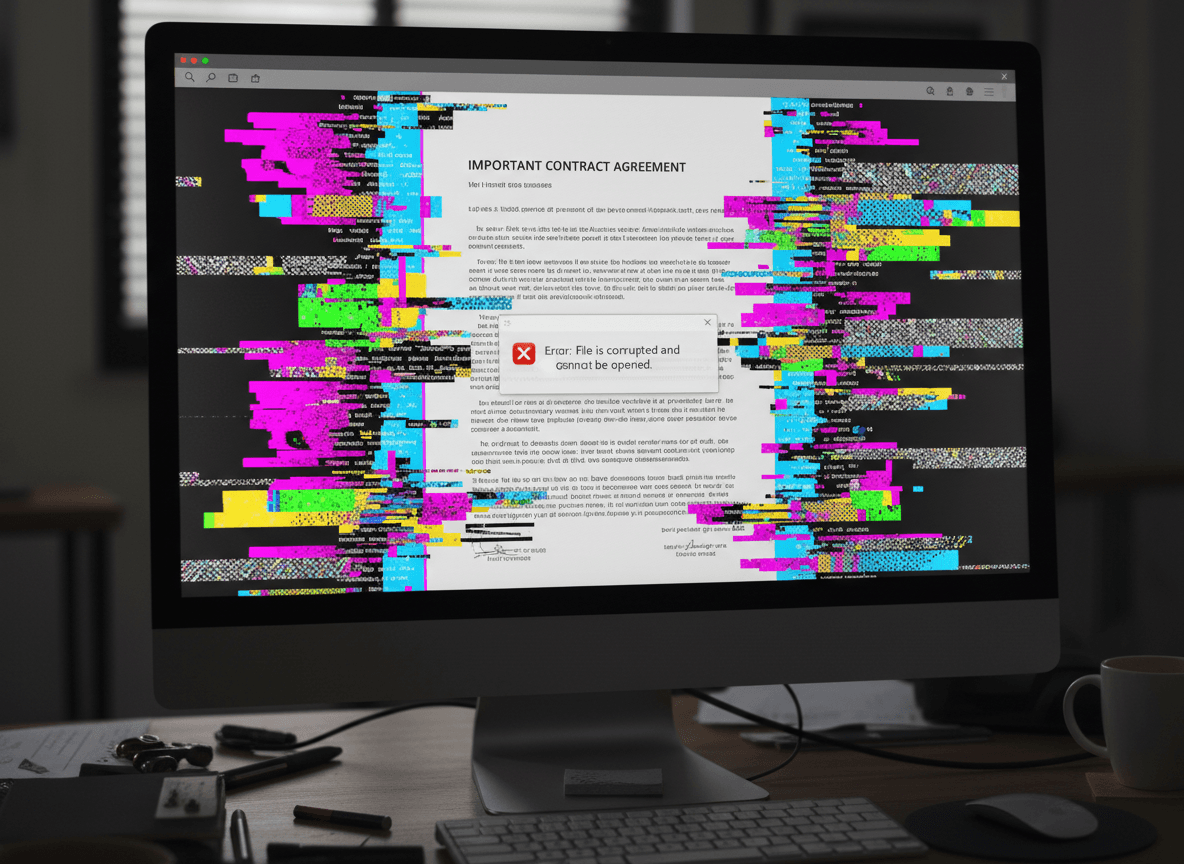
A client sent me a corrupted PDF last month—200 pages of a legal contract, and it wouldn't open. The file was important, and recreating it wasn't an option. I used our Repair PDF tool to try to fix it, and it managed to recover 180 of the 200 pages. That partial recovery saved the project.
When a PDF is too corrupted to repair as a whole, our Repair PDF tool can often recover individual pages. The document structure might be broken, but individual pages often remain intact. Understanding how to recover pages from damaged PDFs can save you from losing everything.
Why Page Extraction Works
PDF files are structured documents with multiple components. When corruption occurs, it often affects the document structure—the table of contents, page index, or file header. But the actual page content, stored separately, might be undamaged. Page extraction tools bypass the broken structure and access the page data directly.
Think of it like a book with a damaged table of contents. You can't use the index to find pages, but if you know where to look, you can still read individual pages. PDF extraction tools work similarly—they ignore the broken navigation and go straight to the page data.
Different types of corruption affect different parts of the file. Structure corruption is common and often recoverable. Content corruption—where the actual page data is damaged—is harder to recover from. But many PDFs have structure problems while page content remains intact.
What You Can Typically Recover
Individual pages are the most recoverable element. Even when the full document won't open, extraction tools can often pull out individual pages. I've recovered pages from PDFs that wouldn't open at all, simply by using tools that access pages directly rather than through the document structure.
Images within pages often survive corruption. If a page contains images, those images are usually stored as separate objects within the PDF. Even if text is damaged, images might be extractable. This is especially useful for documents with important diagrams, photos, or charts.
Text content varies in recoverability. Sometimes text is embedded in a way that makes it extractable even from damaged pages. Other times, text is too integrated with the page structure to recover separately. It depends on how the PDF was created and what type of corruption occurred.
Metadata and properties are often lost. Document properties, bookmarks, and other structural elements usually can't be recovered from severely corrupted files. But the actual page content—what you see on each page—is often salvageable.
The Extraction Process
Start with specialized extraction tools. Standard PDF viewers won't help with corrupted files, but dedicated extraction tools are designed for this purpose. These tools use different methods to access PDF content, bypassing the normal document structure.
Try extracting pages one at a time. Some tools let you specify page ranges, but with corrupted files, it's often better to extract pages individually. This way, if one page fails, you don't lose the others. It's more time-consuming but more reliable.
Work systematically through the document. Start with page 1 and work your way through. Keep track of which pages extract successfully and which fail. You might find that certain page ranges work while others don't, which can give you clues about the nature of the corruption.
Rebuild the document from recovered pages. Once you've extracted what you can, combine the recovered pages into a new PDF. Most PDF tools let you merge pages into a new document. This creates a working PDF, even if it's missing some pages.
Dealing with Partial Recovery
You might not recover everything. Some pages might be too damaged, or the corruption might affect specific page ranges. Accept that partial recovery is still valuable—getting 80% of your document back is better than losing everything.
Document what's missing. As you extract pages, note which ones failed. This helps you understand what was lost and whether you need to find alternative sources for that content. If you have backups or source files, you'll know exactly what to recreate.
Formatting might be simplified. Recovered pages sometimes lose some formatting—margins might be wrong, fonts might substitute, or layout might shift slightly. The content is there, but it might not look exactly like the original. This is usually acceptable if the alternative is losing the content entirely.
Page order might need manual correction. When extracting pages individually, you'll need to put them back in the correct order. Keep track of page numbers as you extract, and verify the order when rebuilding the document.
Tools and Techniques
Different tools use different extraction methods. Some try to repair the structure first, then extract. Others go straight to page data. Try multiple tools—one might work where another fails. I keep several extraction tools available because they each have different strengths.
Command-line tools can sometimes access content that GUI tools can't. If you're comfortable with technical tools, command-line PDF utilities often have more options for dealing with corrupted files. They can be more complex to use but sometimes more effective.
Some tools can extract content even when pages won't display. Text extraction tools might pull out text content even if the pages can't be rendered visually. This is useful if you need the information even if you can't see the formatted pages.
Professional data recovery services exist for critical documents. If you have extremely important corrupted PDFs, professional services have advanced tools and techniques that might recover more than consumer software. The cost might be worth it for irreplaceable documents.
Limitations and Realities
Not all corruption is recoverable. If the page content itself is damaged—not just the document structure—extraction won't help. You can't recover what isn't there. But structure corruption, which is common, is often recoverable through extraction.
The process is time-consuming. Extracting pages one by one from a large document takes time. For a 100-page document, you might spend an hour or more extracting and rebuilding. But if the alternative is losing the document entirely, the time investment is worth it.
You'll need to manually verify content. Don't assume extracted pages are perfect. Check each page to make sure content is complete and readable. Some pages might extract but have missing elements or formatting issues.
Recovery success varies. Some PDFs recover almost completely, others only partially. The type and extent of corruption determines what's possible. But even partial recovery is valuable when the alternative is total loss.
Page extraction is a valuable technique for dealing with corrupted PDFs that won't repair normally. Our Repair PDF tool can help with this. It's not a perfect solution, but it can save significant content from otherwise lost documents. When standard repair fails, our tool is often your best option for recovering at least some of your content.
Ready to recover pages from your damaged PDF? Try our Repair PDF tool now and see if we can recover your content.