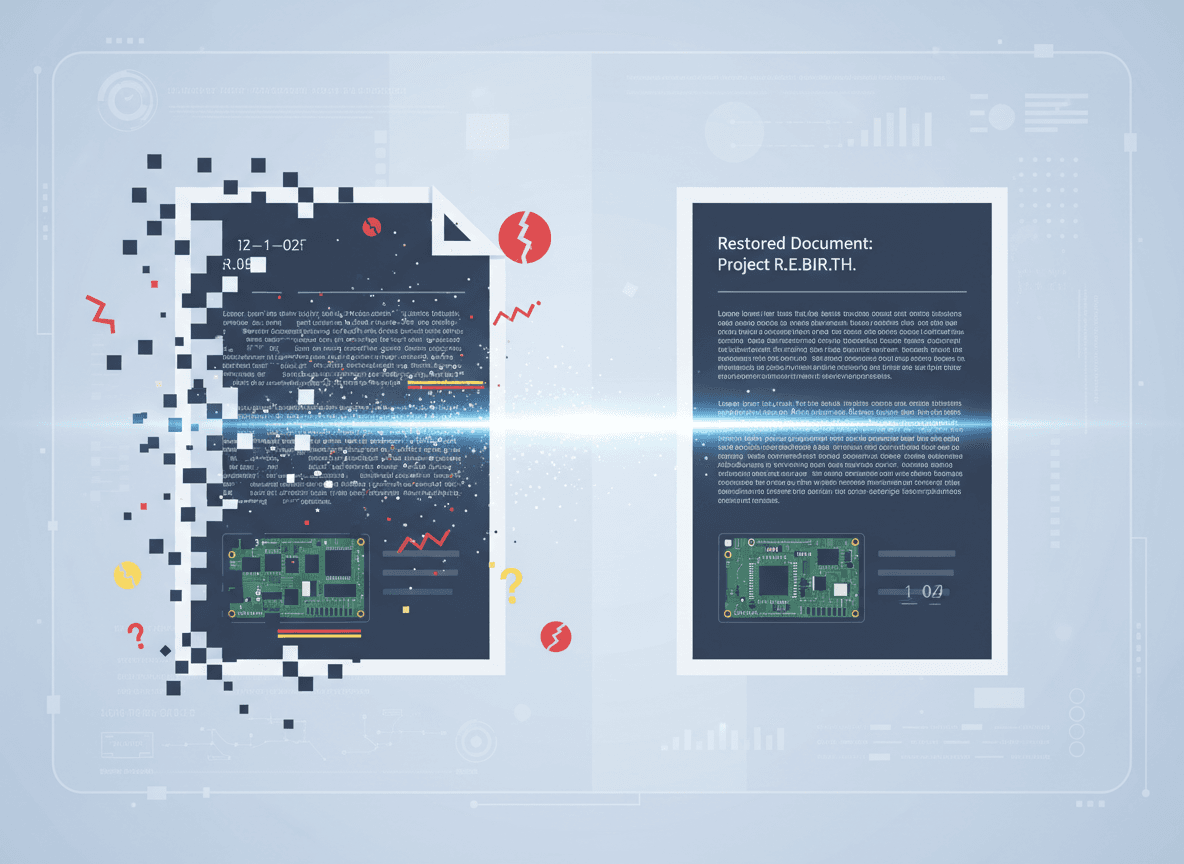
I spent three days last month trying to repair a corrupted PDF. I tried every tool I could find, followed every tutorial, and attempted every technique. Then I tried our Repair PDF tool, and it managed to recover most of the content. That experience taught me that sometimes PDFs are beyond repair, but our tool can often help.
Some PDFs are too corrupted to repair. Our Repair PDF tool can fix many corruption issues. No matter what tools you try, they won't open or work properly. Understanding when a PDF is beyond repair helps you know when to stop trying and look for alternatives. Recognizing the signs of severe corruption helps you make this determination without wasting excessive time.
Recognizing Severe Corruption
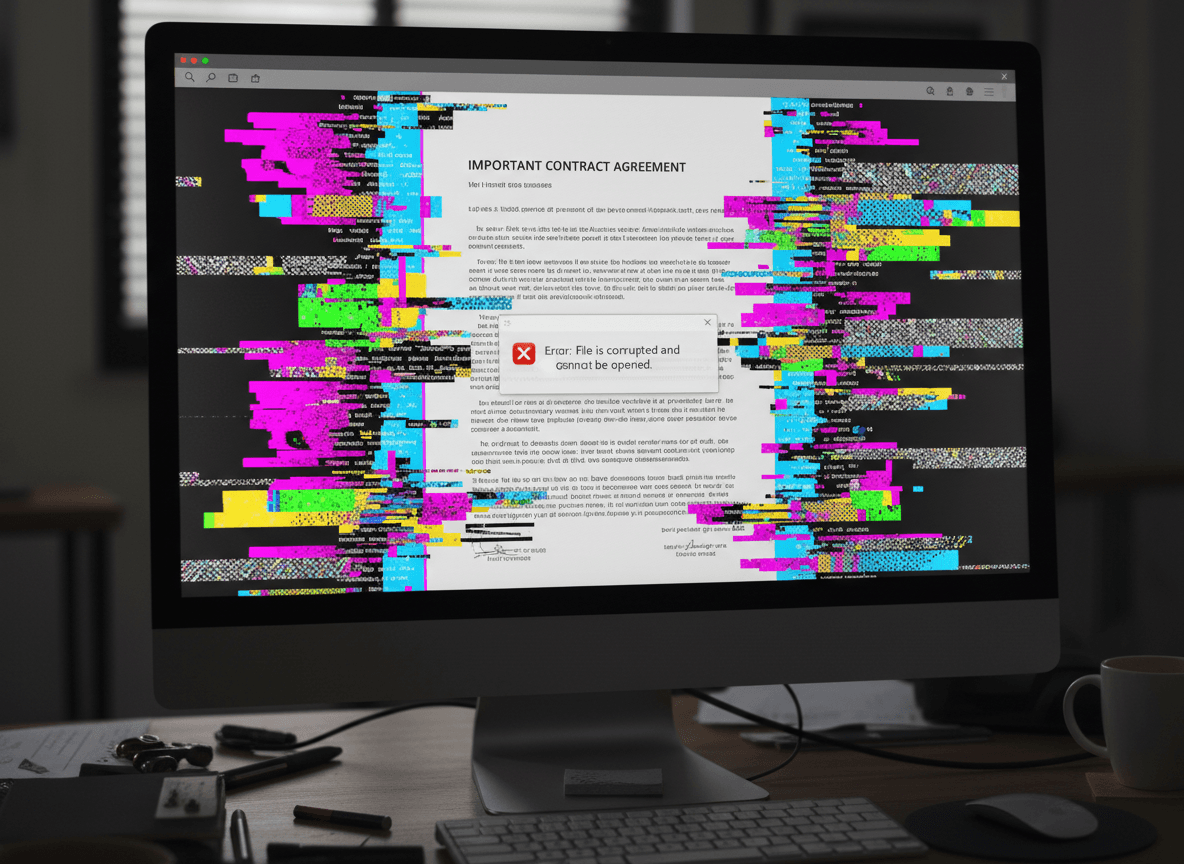
Files that won't open at all in any viewer indicate severe structural damage. When a PDF won't open in Adobe Reader, Chrome, Firefox, or any other viewer, the file structure is likely fundamentally broken. This is different from files that open but have errors—files that won't open at all are more severely damaged.
Completely blank PDFs that open but show nothing suggest the file structure exists but content is missing or inaccessible. The PDF viewer recognizes it as a PDF file, but there's no content to display. This often indicates that page content data is corrupted or missing entirely.
Consistent error messages from all tools indicate systematic corruption. If you try multiple repair tools and they all fail with similar error messages, the corruption is likely too severe for standard repair methods. Different tools use different approaches, so if they all fail, the damage is probably extensive.
Zero file size or extremely small file size suggests the file was never written completely or was severely truncated. A PDF that shows as 0 bytes or just a few bytes is essentially empty. There's nothing to repair because there's no content. This usually happens when file transfers are interrupted or storage fails during writing.
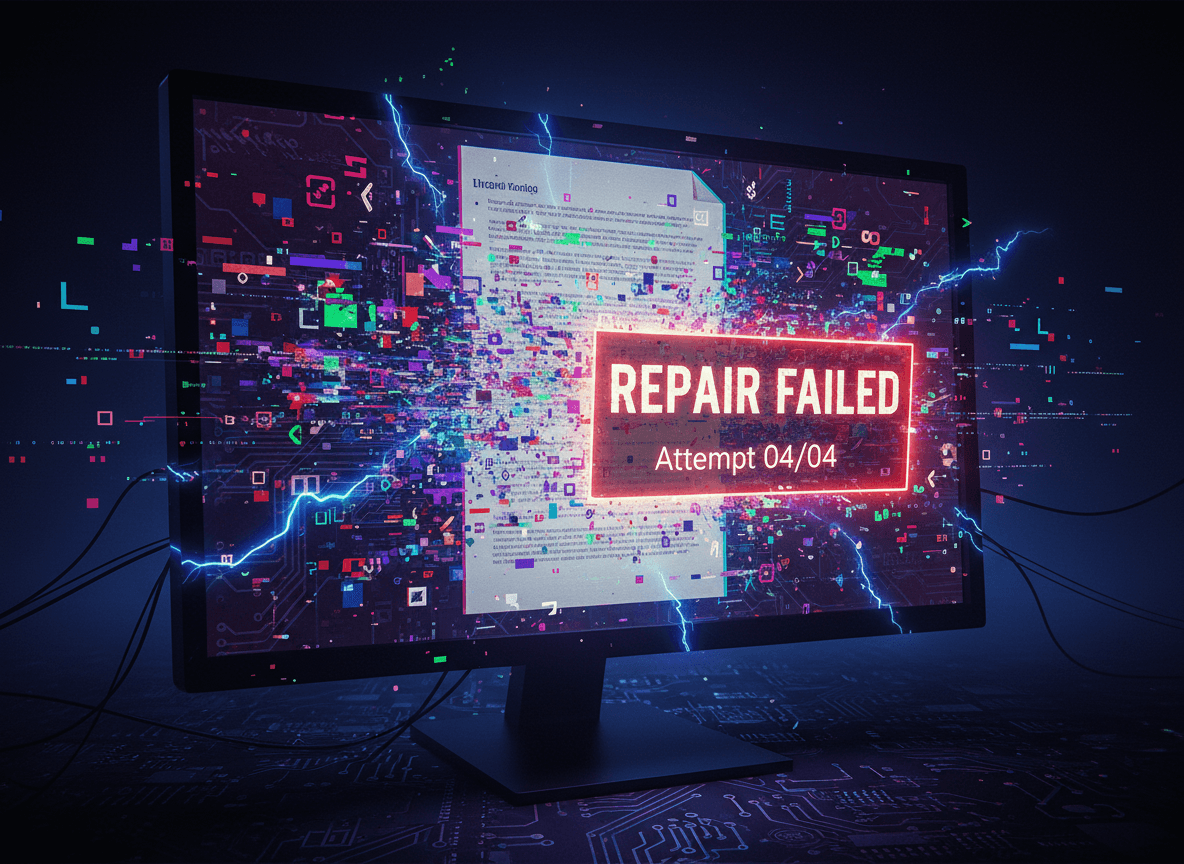
Multiple repair tools failing consistently is a strong indicator. If you've tried three or four different repair tools and they all fail, the file is likely beyond repair. Different tools use different algorithms, so consistent failure across tools suggests the corruption is too severe.
What You Can Still Try
Try multiple tools before giving up. Different repair tools use different approaches, and one might succeed where others fail. Try general-purpose repair tools, specialized extraction tools, and command-line utilities. Give each tool a fair attempt before moving to the next.
Check for backup copies thoroughly. Look in cloud storage, email attachments, backup drives, and any other locations where the file might have been saved. Sometimes you have a backup you forgot about. Check file version history if you're using cloud storage with versioning.
Check if you can recreate from source files. If the PDF was created from Word, Excel, or other source files, recreating might be faster than trying to repair. This is especially true if you have recent source files. Recreating preserves formatting and ensures you have a clean, working document.
Extract what you can using specialized tools. Even if the full document can't be repaired, some tools can extract individual pages, images, or text content. Partial recovery is better than total loss. You might recover 80% of the content even if you can't repair the full file.
Consider professional data recovery services for critical files. If the document is extremely important and you've exhausted all DIY options, professional services have advanced tools and techniques. They're expensive, but for irreplaceable documents, the cost might be worth it.
When to Accept Loss
Sometimes content is simply lost. If you've tried multiple tools, checked for backups, attempted extraction, and nothing works, the content might be unrecoverable. Accepting this is difficult, but continuing to try when all options are exhausted wastes time that could be spent on alternatives.
Very old or severely damaged files might be beyond recovery. Files that have been corrupted for a long time, stored on failing media, or damaged in multiple ways might not be recoverable. The longer corruption exists and the more severe it is, the less likely recovery becomes.
Files with multiple types of corruption are harder to recover. If a file has both structure corruption and content corruption, recovery becomes much more difficult. Single types of corruption are often repairable, but multiple simultaneous issues reduce success rates.
Moving Forward
Document what you tried. If you need to explain why a file couldn't be recovered, having a record of attempted repairs helps. This is especially important in business contexts where you need to demonstrate due diligence in recovery attempts.
Learn from the experience. Understanding what caused the corruption helps prevent future problems. Was it a transfer issue? Storage failure? Software bug? Identifying the cause helps you prevent similar problems going forward.
Implement better backup practices. If you lost important content, use this as motivation to improve your backup strategy. Multiple backups in different locations prevent total loss even when files become corrupted.
Some PDFs are beyond repair, and that's a reality of working with digital files. Our Repair PDF tool can fix many corruption issues. Try our tool first, check for backups, and attempt extraction, but recognize when further effort won't help. Knowing when to stop trying saves time and allows you to focus on alternatives like recreating from source files or accepting the loss and moving forward.
Ready to repair your corrupted PDF? Try our Repair PDF tool now and see if we can recover your file.