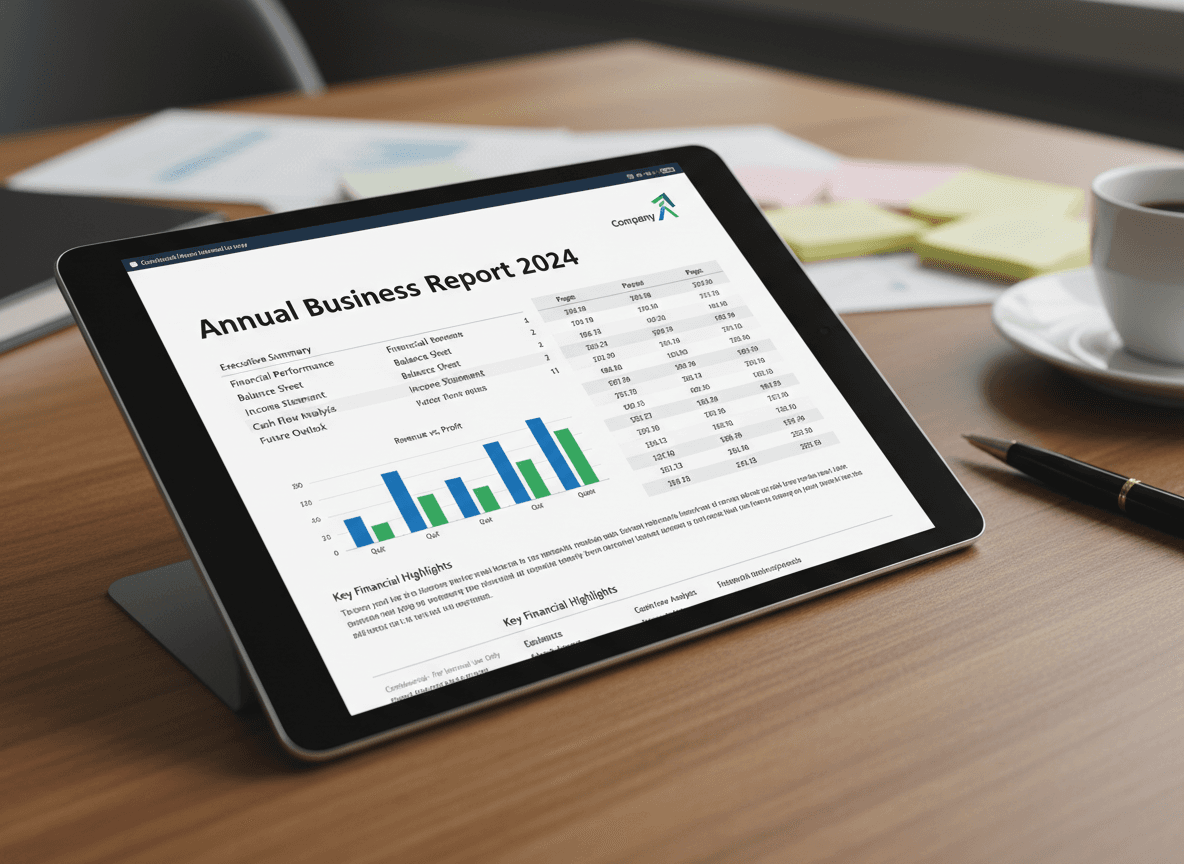
I prepare monthly financial reports for our board of directors. I create them in Excel with all the calculations and formulas, but I always convert them to PDF using our Excel to PDF tool before sending. Last month, a board member tried to open the Excel file on their tablet and couldn't—Excel wasn't installed. That's exactly why PDFs are the standard for financial reporting.
Financial reports are almost always shared as PDFs. Our Excel to PDF tool makes this conversion simple. Excel is used for creation and calculations, but PDFs are the standard for sharing financial information. Understanding why PDFs are preferred and how to convert them properly ensures your financial reports meet professional standards and are accessible to all recipients.
Why PDFs Are the Standard for Financial Reports
Professional appearance matters in financial reporting. PDFs maintain exact formatting, ensuring tables, charts, and numbers appear exactly as designed. This consistency is crucial when presenting financial information to stakeholders, investors, or regulatory bodies. Everyone sees the same professional document, regardless of their software or device.
Universal compatibility ensures accessibility. Not everyone has Excel installed, and different versions of Excel might display files differently. PDFs work on any device with any PDF viewer—computers, tablets, phones, and even some smart TVs. This universal access is essential when sharing with diverse audiences.
Security features protect sensitive financial data. PDFs can be password-protected, have editing restrictions, and include watermarks. This is important for financial reports containing confidential information. You can control who can view, print, or modify the document, which isn't possible with Excel files.
Printing reliability is crucial for financial reports. Many financial reports are printed for meetings, filing, or archival purposes. PDFs print consistently across different printers and print settings. Excel files can have printing issues—page breaks might be wrong, formatting might change, or fonts might not print correctly.
Archival standards favor PDFs. Financial reports often need to be stored long-term for compliance, auditing, or historical reference. PDFs are a stable, well-documented format that's likely to remain readable for decades. Excel file formats change over time, potentially making old files unreadable.
Final format representation is important. Financial reports represent finalized, approved numbers. PDFs are read-only by default, preventing accidental changes. This ensures the report recipients see exactly what was approved, without risk of modification.
Best Practices for Converting Financial Reports
Use our Excel to PDF tool for reliable conversion. Our tool preserves formatting, handles page breaks correctly, and maintains chart quality. This is a reliable conversion method that works in your browser.
Check formatting thoroughly after conversion. Financial reports contain critical numbers, and formatting errors can make data hard to read or misinterpret. Verify that tables align correctly, numbers display with proper formatting (currency, percentages, decimals), and charts appear complete and accurate.
Ensure all pages and data are included. Large financial reports might span multiple pages or worksheets. Verify that all pages converted, all charts are present, and no data is missing. Missing information in financial reports can have serious consequences.
Test printing if the report will be printed. Print a sample page to verify that fonts, colors, and layout print correctly. Financial reports are often printed for meetings, so ensuring print quality is important. Test printing catches issues before important presentations.
Maintain quality for numbers and charts. Financial reports rely on clear, readable numbers and accurate charts. Verify that numbers are legible, charts are complete, and all visual elements display correctly. Poor quality makes reports look unprofessional and can cause misinterpretation.
Important Considerations for Financial Reports
Page breaks need careful attention. Financial reports often have tables or charts that shouldn't be split across pages. Check page breaks in the PDF to ensure data isn't awkwardly divided. You might need to adjust page setup in Excel before converting.
Chart quality is critical. Financial charts must be clear and accurate. Verify that charts converted properly, colors are correct (especially if printing in black and white), and all data points are visible. Charts are often the most important visual elements in financial reports.
Number formatting must be precise. Currency symbols, decimal places, and number formats must display correctly. A number showing as "1000" instead of "$1,000.00" might be acceptable in some contexts, but financial reports require precise formatting. Verify all number formatting after conversion.
Table formatting affects readability. Financial reports often contain complex tables with many rows and columns. Ensure tables are readable, properly aligned, and don't break awkwardly across pages. Well-formatted tables make financial data easier to understand and analyze.
The Conversion Workflow
Prepare your Excel file before converting. Set appropriate page breaks, ensure all data is visible, and check that formatting looks correct. Fix any issues in Excel rather than trying to fix them after conversion. Good preparation produces better PDFs.
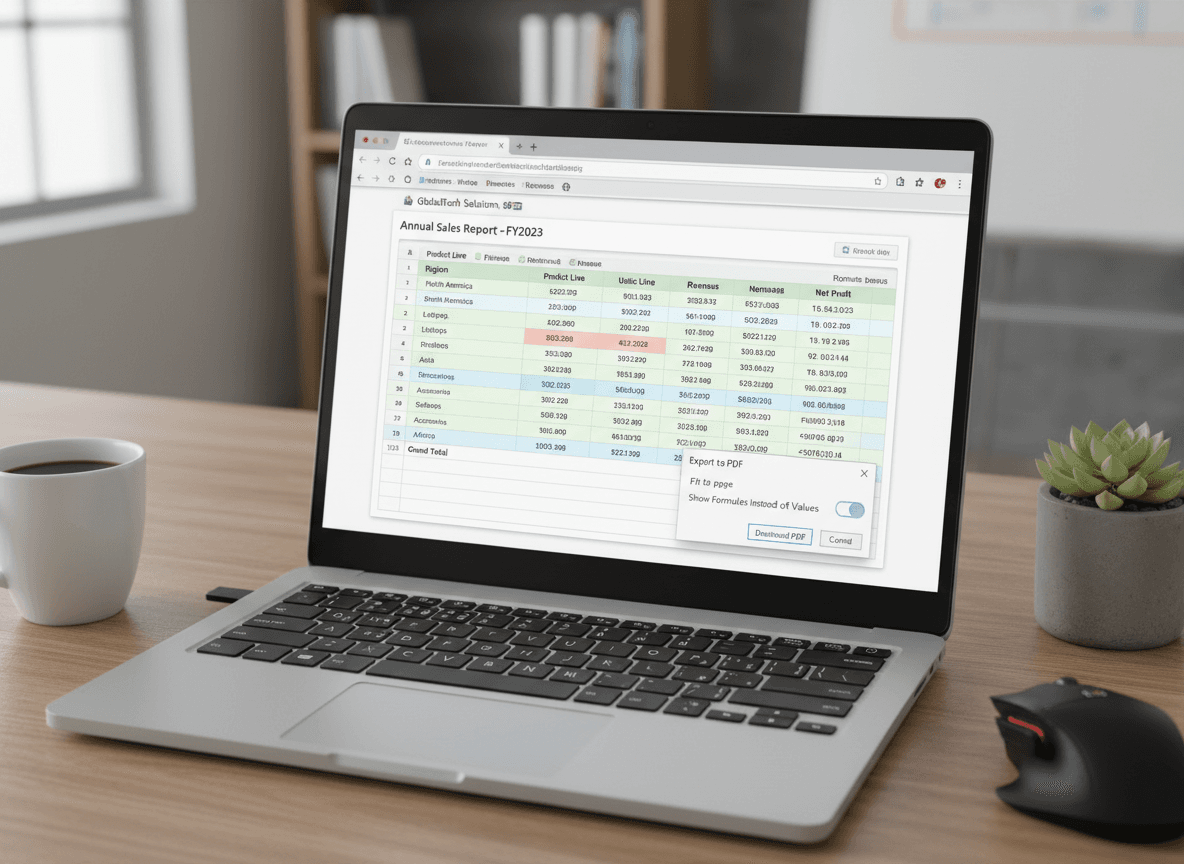
Convert using our Excel to PDF tool. You can upload your Excel file, and our tool handles the conversion. You can choose to convert the entire workbook or just specific sheets. For financial reports, you usually want all relevant sheets included.
Review the PDF immediately after conversion. Don't assume the conversion worked perfectly. Open the PDF, scroll through all pages, check formatting, verify charts, and ensure completeness. Catching issues early makes fixes easier.
Financial reports are critical documents that require careful handling. Converting them to PDF using our Excel to PDF tool ensures professional appearance, universal accessibility, and reliable printing. Use our tool, verify formatting thoroughly, and test printing. With proper conversion, your financial reports will meet professional standards and serve their purpose effectively.
Ready to convert your financial report to PDF? Try our Excel to PDF tool now and see how easy it is to create professional PDFs from your spreadsheets.