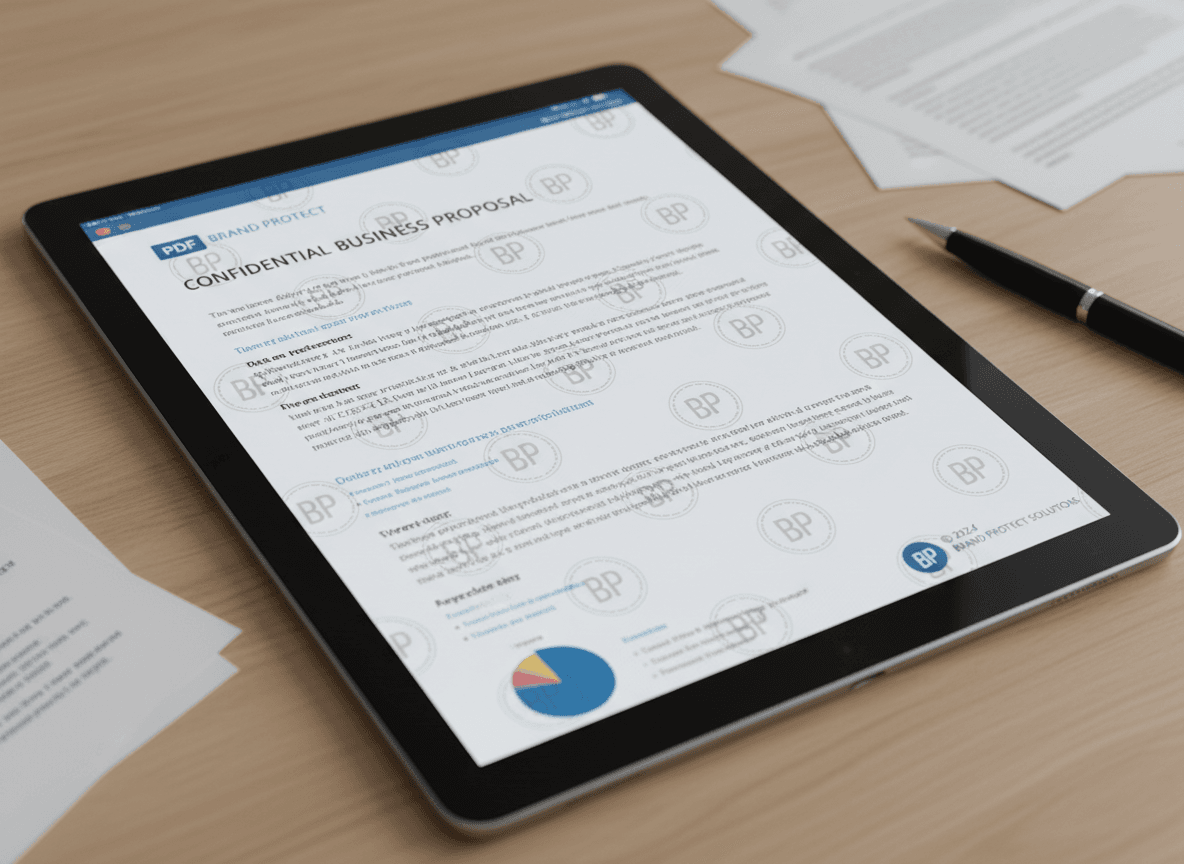
I needed to watermark a financial report last month, and I wasn't sure which watermark to use. It wasn't a draft, but it was confidential. I chose "CONFIDENTIAL" in red using our Watermark tool, which clearly communicated the document's sensitive nature. That experience taught me the importance of choosing the right watermark for each situation.
Different documents need different watermarks. Our Watermark tool supports all types—DRAFT, CONFIDENTIAL, SAMPLE, custom text, and logos. A draft document needs a different watermark than a confidential report or a sample portfolio. Choosing the right watermark helps communicate the document's status and protects it appropriately. Understanding which watermark to use for different situations ensures your documents are properly marked and protected with our tool.
Let me guide you through choosing the right watermark for different situations. Each watermark type serves a specific purpose and communicates different information to readers. Our Watermark tool makes it easy to add any type.
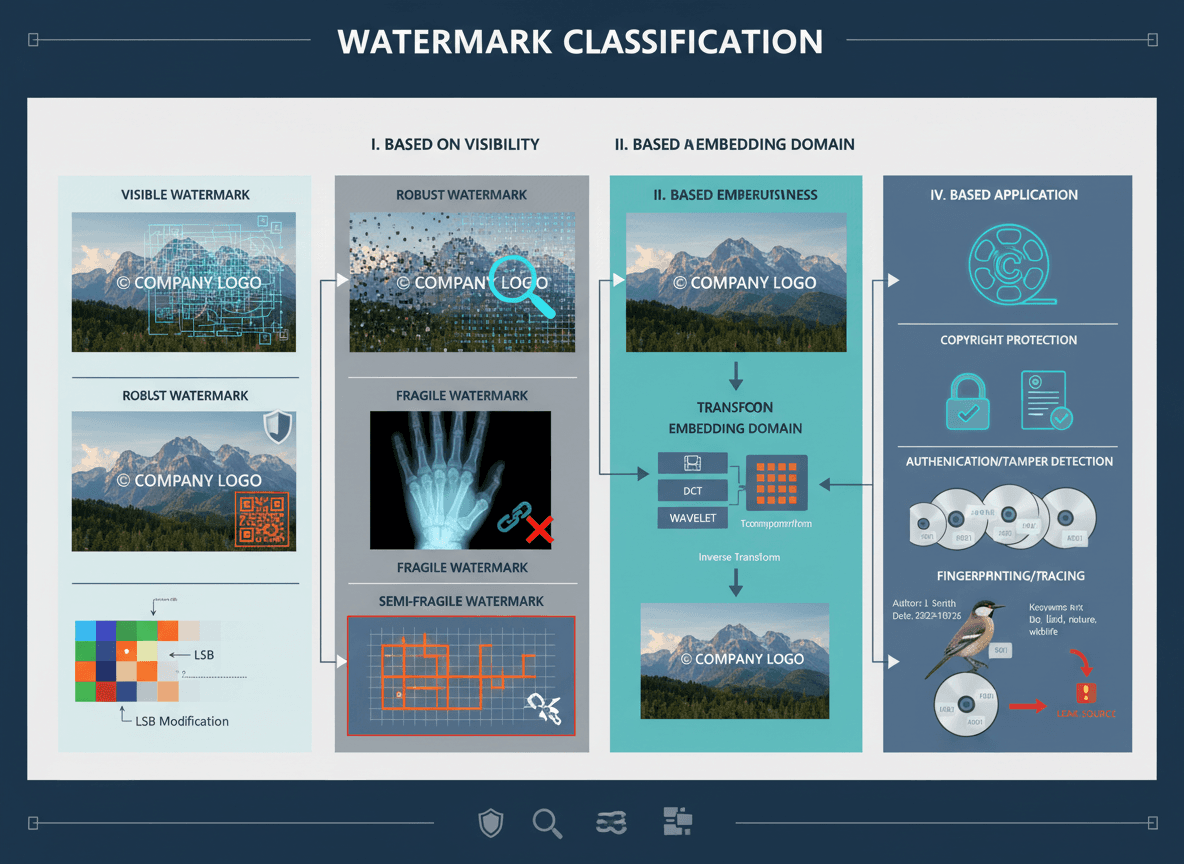
Common Watermark Types
DRAFT: For documents that are still being worked on, not final versions.
CONFIDENTIAL: For sensitive or private documents that shouldn't be shared.
SAMPLE: For example documents, demos, or non-final versions.
FOR REVIEW: For documents being reviewed, not yet approved.
UNAUTHORIZED COPY: For documents where copying should be discouraged.
COMPANY NAME/LOGO: For branding and identification.
CUSTOM TEXT: For specific messages or requirements.
When to Use Each
DRAFT
Use for: Documents still in development, not ready for final use.
Appearance: Light gray, clear text, usually centered or diagonal.
Purpose: Indicates the document is not final and may change.
Examples: Draft reports, work-in-progress documents, preliminary versions.
CONFIDENTIAL
Use for: Sensitive documents, private information, restricted access documents.
Appearance: Often red or dark gray, clearly visible, may be larger.
Purpose: Warns that the document contains sensitive information.
Examples: Financial reports, personal information, business secrets, legal documents.
SAMPLE
Use for: Example documents, demos, non-functional versions.
Appearance: Light to medium gray, clear but not overpowering.
Purpose: Indicates the document is for demonstration only, not for actual use.
Examples: Sample contracts, demo materials, example portfolios.
FOR REVIEW
Use for: Documents being reviewed, pending approval.
Appearance: Medium gray, professional, clear.
Purpose: Indicates the document is under review and not final.
Examples: Documents awaiting approval, review copies, pending documents.
UNAUTHORIZED COPY
Use for: Documents where unauthorized copying should be discouraged.
Appearance: Medium to dark gray, clearly visible.
Purpose: Deters unauthorized copying or distribution.
Examples: Copyrighted materials, proprietary documents, restricted distribution.
COMPANY NAME/LOGO
Use for: Branding, identification, professional appearance.
Appearance: Subtle, professional, usually light opacity.
Purpose: Identifies the document source and adds branding.
Examples: Company documents, branded materials, professional presentations.
Best Practices
Match the purpose: Choose a watermark that matches the document's purpose and status.
Appropriate visibility: More sensitive documents might need more visible watermarks.
Consistent style: Use consistent watermark style for similar document types.
Clear communication: The watermark should clearly communicate the document's status.
Professional appearance: Even warning watermarks should look professional.
Choosing the Right Watermark
I've created watermarks for hundreds of documents, and here's what I've learned: choose watermarks based on your document's purpose. Our Watermark tool supports all types. DRAFT for work-in-progress. CONFIDENTIAL for sensitive documents. SAMPLE for demos. FOR REVIEW for pending approval. UNAUTHORIZED COPY for copyright protection. COMPANY NAME/LOGO for branding.
Match the watermark to the document's status and sensitivity level. Our tool lets you adjust visibility easily. More sensitive documents might need more visible watermarks, while drafts can use subtler watermarks. I've seen people use CONFIDENTIAL watermarks on draft documents, which confuses readers. The key is choosing a watermark that effectively communicates the document's status while maintaining a professional appearance.
Understanding which watermark to use helps you protect and communicate document status effectively. Our Watermark tool makes it easy. Choose based on purpose, adjust visibility based on sensitivity, and maintain professional appearance. With our tool and the right watermark choice, your documents will be properly protected and clearly communicate their status to readers. Each watermark type serves a specific purpose, and choosing the right one ensures your documents are properly marked and protected while maintaining professional quality.
Think about what you're trying to communicate, and choose accordingly. Our Watermark tool helps you add the right watermark quickly. The right watermark helps readers understand the document's status immediately.
Ready to add the right watermark? Try our Watermark tool now and see how easy it is to choose and apply the perfect watermark.